Radiology reports dictated live, structured in seconds
DocNote radiology mode transcribes as you read the images, turns the dictation into a structured report with technique, findings and impression, and hands the text back to your RIS. It runs in the browser, works with a Philips SpeechMike, and never stores audio longer than needed to generate the report.
CT and MRI reports
Structured by region with your own template, including comparison to prior exams when you mention them.
Ultrasound and X-ray
Short-form reports that keep your standard normal phrases and only expand where you dictate a finding.
Interventional procedure notes
Procedure, materials, complications and post-procedure instructions from one continuous dictation.
Realtime, not batch
Text appears while you speak, so you correct on the fly instead of proofreading a full report at the end.
Hold-to-record on a SpeechMike
Push-to-talk on the device you already use. No new hardware, no bot joining a call.
Embedded in your RIS
DocNote runs inside the RIS as a panel and returns the report through a standard message, so nothing is copied by hand.
Swiss hosting, short retention
Audio and text are processed in Switzerland. Audio is deleted after the report is generated.
Frequently asked questions
- Does DocNote replace my radiology templates?
- No. You import your existing templates and DocNote fills them from the dictation. Normal phrases stay exactly as you wrote them.
- Which dictation microphones are supported?
- Any microphone the browser can access, plus Philips SpeechMike push-to-talk on the web app through WebHID.
- Can it run inside our RIS?
- Yes. The web app can be embedded as an iframe and exchanges context and the finished report with the RIS through postMessage. Contact us for the integration guide.
- Where is the data processed?
- In Switzerland. DocNote is FADP, GDPR and HIPAA compliant and ISO 27001 certified. Health data is never used to train models.
Related articles
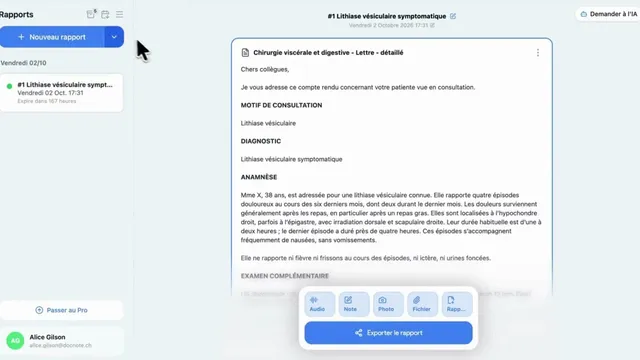
DocNote for medical secretaries: review reports and prepare consultations (video)
One secretary account for several doctors: review and send reports, schedule appointments straight from the day's agenda and prepare patient files. Video in French.
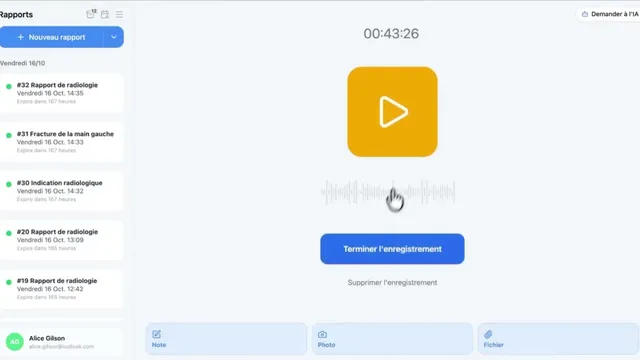
Using DocNote from Axenita: request the connection and send reports to the patient file (video)
Request the Axenita connection from DocNote settings, open DocNote from the patient file, generate your report and add it to the consultation in Axenita. Video in French.
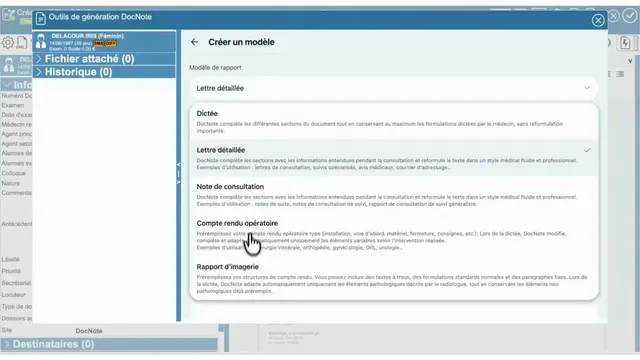
Using DocNote from EDL Xplore for radiology reports (video)
Open DocNote from the EDL Xplore RIS, dictate only what differs from your normal template, and get the full structured radiology report back in EDL. Video in French.