DocNote for medical secretaries: review reports and prepare consultations (video)
One secretary account for several doctors: review and send reports, schedule appointments straight from the day's agenda and prepare patient files. Video in French.
 Dr. Alice Gilson·Doctor & Managing Director 2 min read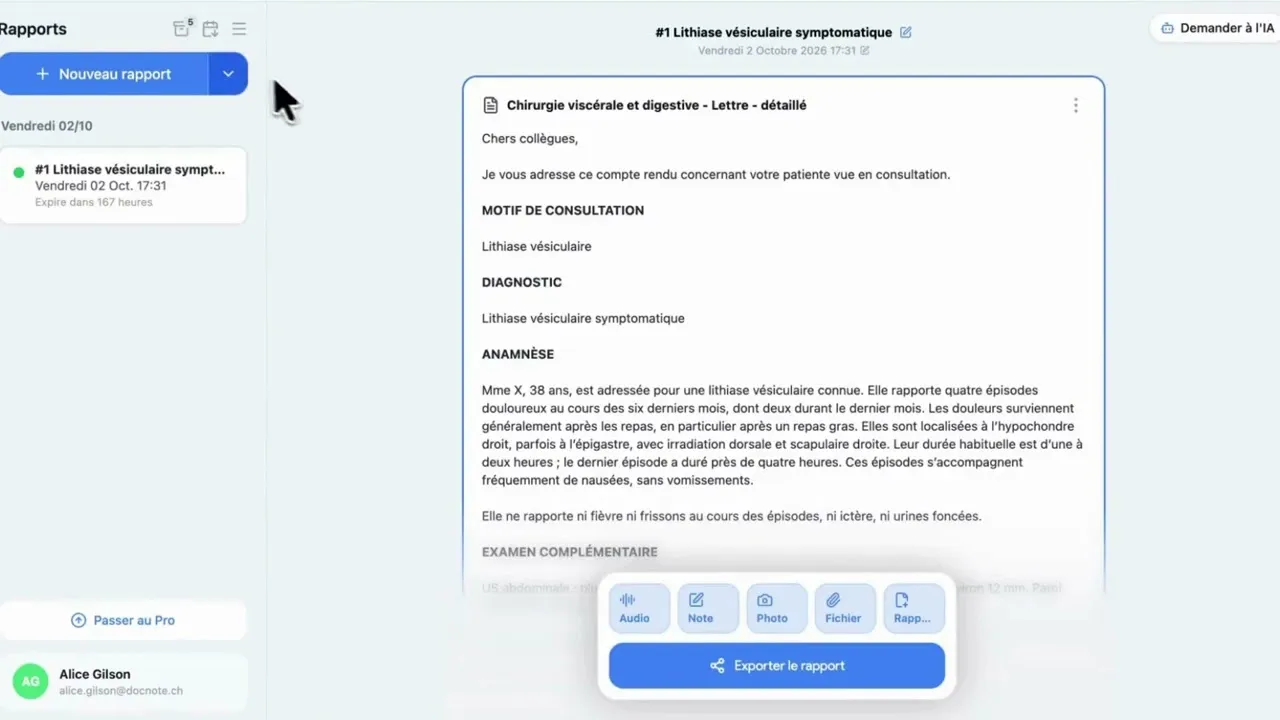
DocNote has a dedicated space for medical secretaries. Secretaries find the reports of the doctors they work with, review and send them, and prepare upcoming consultations so the doctor has everything at hand from the first minute. The video (in French) walks through the module step by step.
One secretary account, several doctors
Each secretary signs in with their own credentials. A single secretary account can be linked to several healthcare professionals: the secretary goes straight to each doctor’s space and switches from one doctor to another without signing out.
Review and send reports
For each doctor, the secretary sees all recent consultations. They open a report to review, correct or complete it where needed. Once the document is ready, they can:
- send it by email;
- send it to the patient file, if the doctor uses an EHR connected to DocNote;
- copy or export it.
Prepare upcoming consultations
One appointment at a time
The secretary creates an appointment with the patient’s details and the date and time of the consultation. It appears in the consultation list on the scheduled date, marked with a small blue clock that sets scheduled consultations apart.
A whole day from the agenda
To prepare several consultations at once, the secretary imports a screenshot or a file of the day’s agenda. DocNote detects the appointments and extracts the available details: last name, first name, date of birth and appointment time. The secretary checks what was detected and confirms: all appointments are created in DocNote.
Prepare the file ahead of time
The secretary can also attach useful documents in advance, an operative report for example. The doctor finds them right there when the consultation starts, with nothing to look for.
Setting up a secretary account
To create a secretary account and link it to the right doctors, write to us at contact@docnote.ch.
Related articles
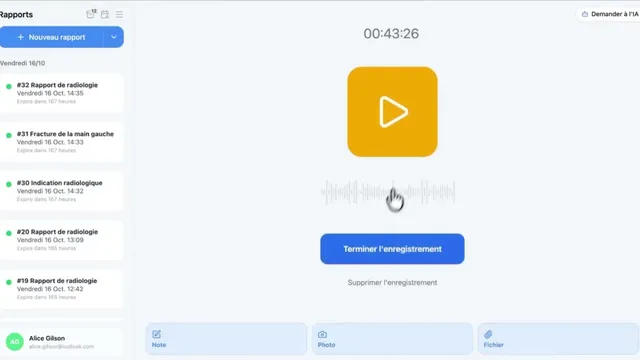
Using DocNote from Axenita: request the connection and send reports to the patient file (video)
Request the Axenita connection from DocNote settings, open DocNote from the patient file, generate your report and add it to the consultation in Axenita. Video in French.
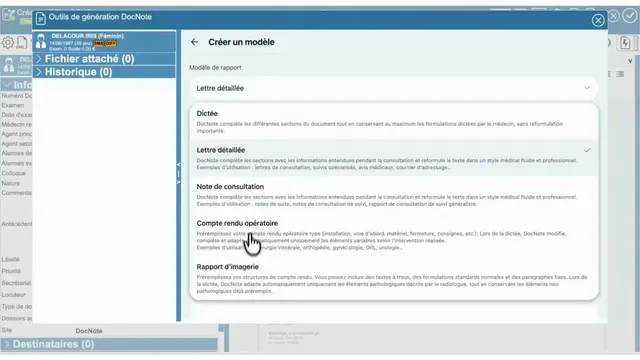
Using DocNote from EDL Xplore for radiology reports (video)
Open DocNote from the EDL Xplore RIS, dictate only what differs from your normal template, and get the full structured radiology report back in EDL. Video in French.
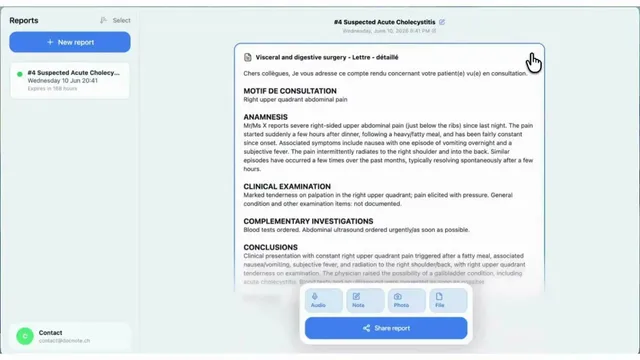
DocNote tutorial (English): record, add context, generate, share
The English walkthrough of DocNote: choose a report type or plain dictation, record the consultation, attach context and documents, generate the report and export it.