Using DocNote from EDL Xplore for radiology reports (video)
Open DocNote from the EDL Xplore RIS, dictate only what differs from your normal template, and get the full structured radiology report back in EDL. Video in French.
 Dr. Alice Gilson·Doctor & Managing Director 3 min read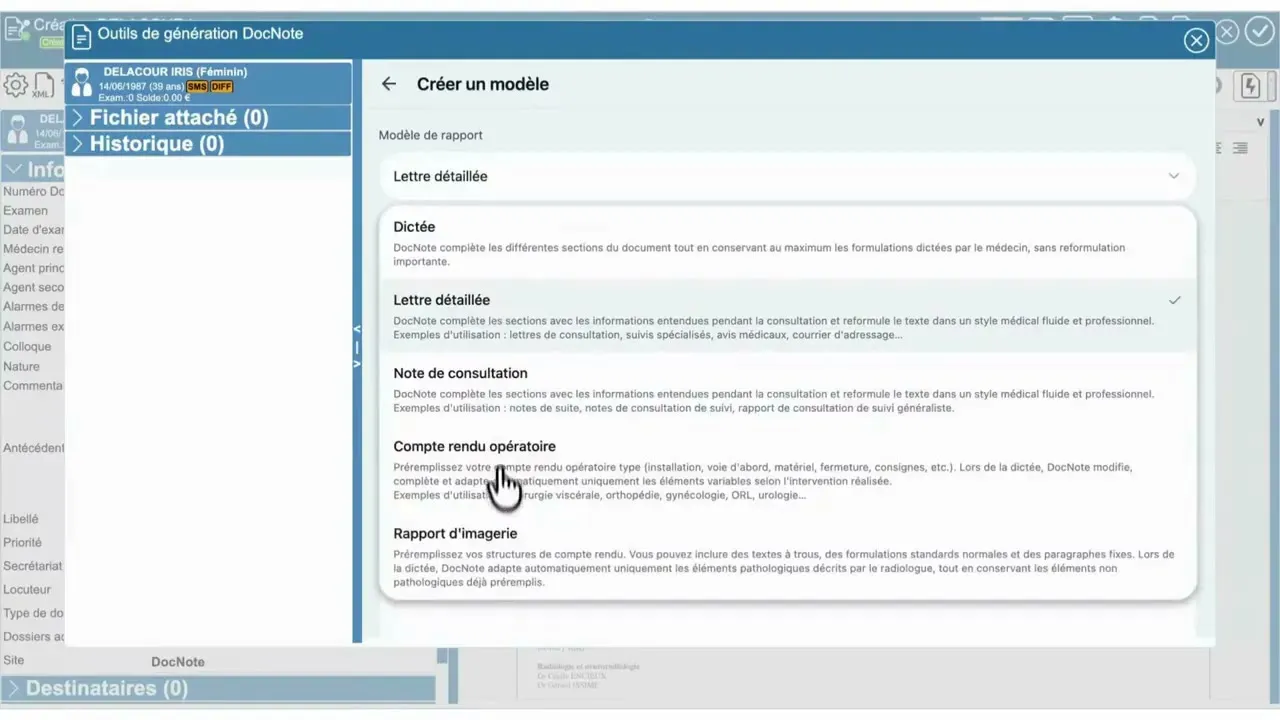
Radiologists using EDL Xplore can now generate their reports with DocNote without leaving the RIS. This video (in French) shows the flow from opening a new document in EDL to a finished report inserted back into it. Here is what it covers.
Opening DocNote from EDL
In the EDL Xplore interface, with the list of documents to create for your patients, open a new document as usual. In the top left you will find the content generation tool, recognisable by a small magic wand icon. Clicking it opens DocNote directly.
The first time, you sign in: a four-digit code is sent to your email address to secure the connection. After that, DocNote opens with your account.
Choose how you want to dictate
The dropdown menu lets you pick the type of document:
- Simple dictation replaces your usual dictaphone. You dictate the report as you would today, without punctuation, and DocNote transcribes and formats it.
- A radiology template, either one of DocNote’s or your own. Here you can speak freely without following the usual order of the report. DocNote structures the information and returns it in the right format.
Build your own radiology template
From the settings, choose “Imaging report”, name your template, and paste your generic template text. Once saved, it appears in the dropdown menu. In the video, the demonstration uses an abdominal CT template created this way a moment earlier.
Dictate only what differs
Start a new recording and dictate just what departs from your normal template. In the example: “appendicitis with a small amount of intra-abdominal fluid”.
From that single sentence, DocNote transcribes and generates the complete report. The base template is reused automatically. Organs without abnormality, such as the liver, pancreas or spleen, are reported as normal, while the pathological findings are integrated into both the description and the conclusion.
If a signature is configured in your settings, DocNote adds it automatically.
Back into EDL
All that is left is to validate. The text is inserted directly into your radiology report in EDL Xplore, where you finalize it as usual.
For radiologists, this is where the time saving is largest: a normal exam with one finding takes one sentence to dictate, and the report comes back complete, structured and in your own template. DocNote also has a dedicated radiology mode with live transcription and SpeechMike support on the web; see our article on the radiology mode for details.
Related articles
DocNote for medical secretaries: review reports and prepare consultations (video)
One secretary account for several doctors: review and send reports, schedule appointments straight from the day's agenda and prepare patient files. Video in French.
Using DocNote from Axenita: request the connection and send reports to the patient file (video)
Request the Axenita connection from DocNote settings, open DocNote from the patient file, generate your report and add it to the consultation in Axenita. Video in French.
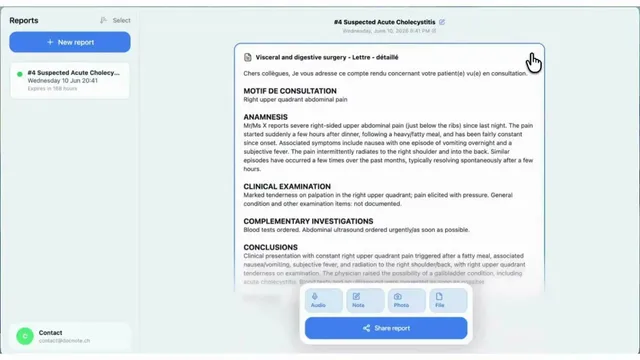
DocNote tutorial (English): record, add context, generate, share
The English walkthrough of DocNote: choose a report type or plain dictation, record the consultation, attach context and documents, generate the report and export it.