AI medical scribe built for real clinical work
DocNote listens during the consultation, transcribes securely, and drafts the clinical document you need — consultation notes, discharge letters, ward-round notes or operative reports — so you spend less time typing and more time with patients.
What an AI medical scribe should do
A useful medical scribe is not a generic transcript. It must understand clinical structure, specialty language, and the documents your hospital or practice actually ships. DocNote is designed for that workflow: capture once, generate the right note type, then let the physician validate before anything reaches the EHR.
Built for Switzerland and Europe
Unlike US-first ambient tools bolted onto European practice, DocNote is built around Swiss and European documentation habits, multilingual consultations, and strict health-data rules. Hosting stays in Switzerland. Health data is not used to train foundation models.
From voice to validated note
Start a recording on mobile or web, finish the encounter, and review a structured draft in seconds. Edit, approve, and push into your usual process — including Mediway and SOKLE integrations where available, or Word templates that match your letterhead.
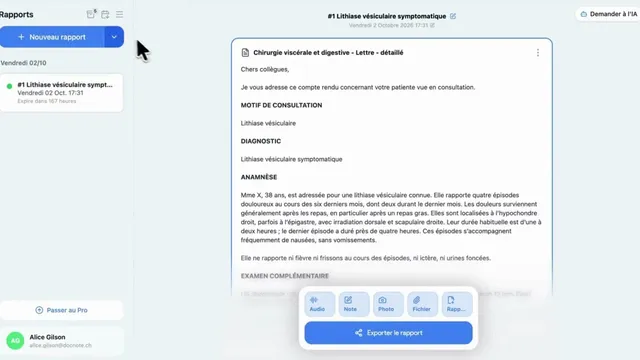
DocNote for medical secretaries: review reports and prepare consultations (video)
One secretary account for several doctors: review and send reports, schedule appointments straight from the day's agenda and prepare patient files. Video in French.
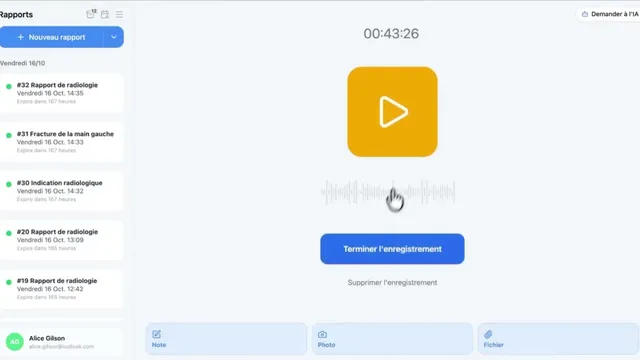
Using DocNote from Axenita: request the connection and send reports to the patient file (video)
Request the Axenita connection from DocNote settings, open DocNote from the patient file, generate your report and add it to the consultation in Axenita. Video in French.
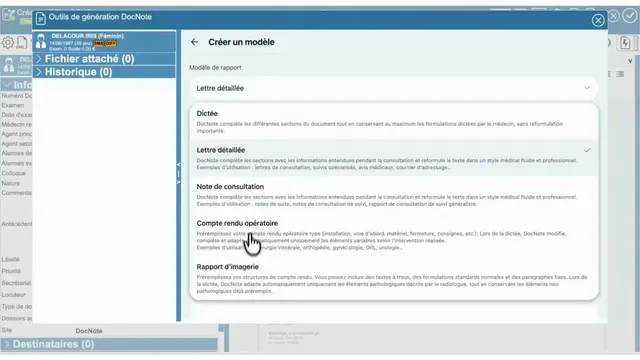
Using DocNote from EDL Xplore for radiology reports (video)
Open DocNote from the EDL Xplore RIS, dictate only what differs from your normal template, and get the full structured radiology report back in EDL. Video in French.
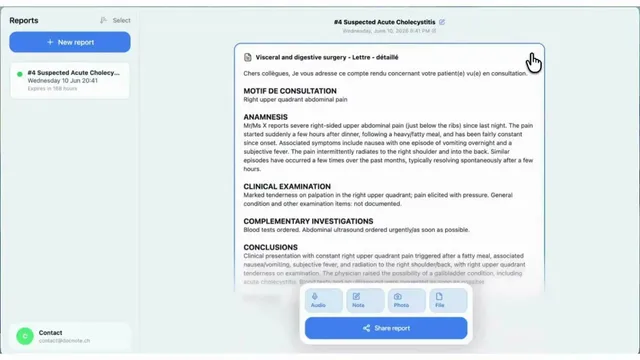
DocNote tutorial (English): record, add context, generate, share
The English walkthrough of DocNote: choose a report type or plain dictation, record the consultation, attach context and documents, generate the report and export it.
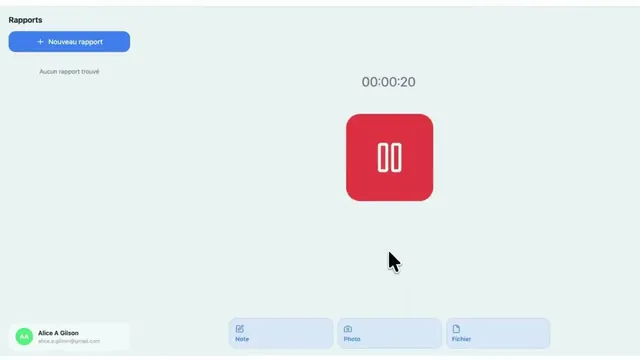
DocNote x Sokle: send your report straight into the patient file (video)
Connect DocNote to the Sokle EHR, send a generated report to the right patient, and find it in the consultation without copy-paste. Video in French with English subtitles.
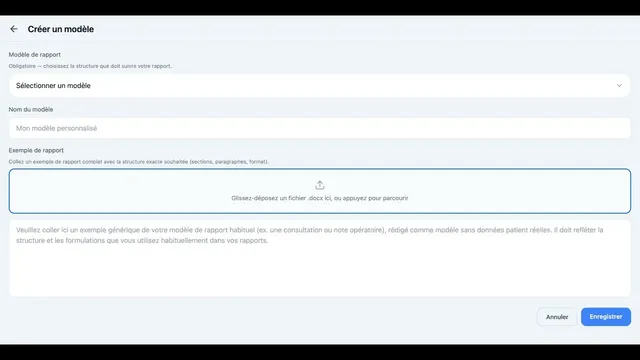
How to create a custom report template in DocNote (video)
Build report templates that keep your own writing style: pre-filled operative reports from a Word file, or specialist consultations with your section order. Video in French.