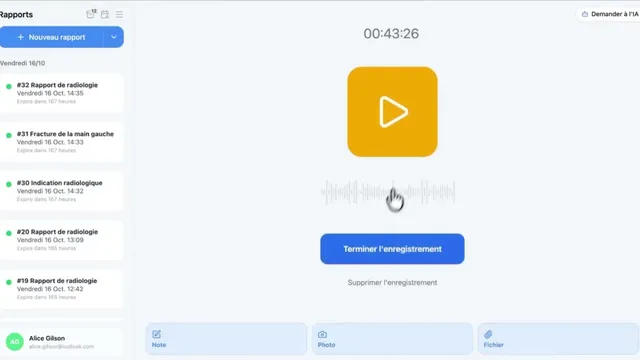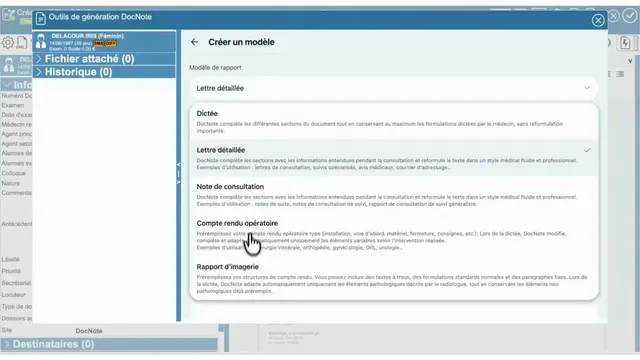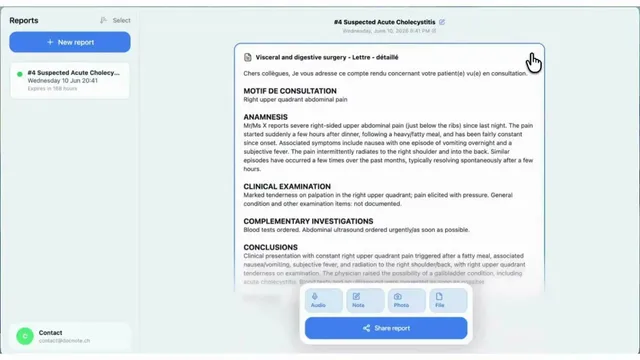
DocNote x Axenita: set up the connection and send reports to the patient file (video)
Configure the Axenita web portal and FHIR API client, open DocNote from the patient file, generate a report and send it back into Axenita. Video in French.
Step by step guides to clinical documentation: SOAP notes, discharge letters, templates and dictation workflows.
AI medical scribe →
Configure the Axenita web portal and FHIR API client, open DocNote from the patient file, generate a report and send it back into Axenita. Video in French.
Open DocNote from the EDL Xplore RIS, dictate only what differs from your normal template, and get the full structured radiology report back in EDL. Video in French.
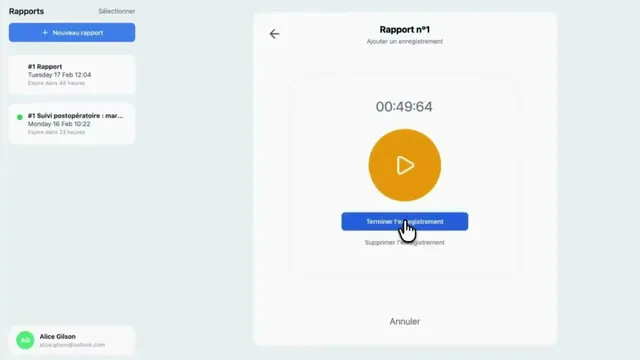
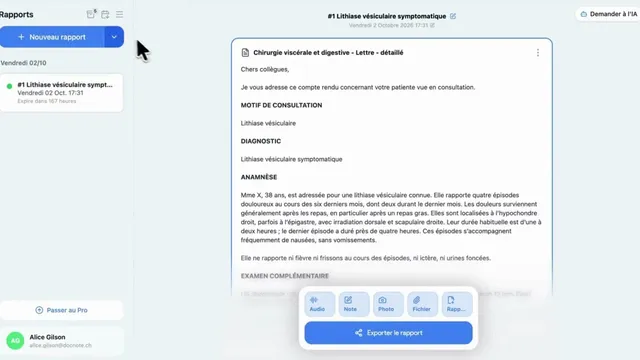
The English walkthrough of DocNote: choose a report type or plain dictation, record the consultation, attach context and documents, generate the report and export it.
Connect DocNote to the Sokle EHR, send a generated report to the right patient, and find it in the consultation without copy-paste. Video in French with English subtitles.
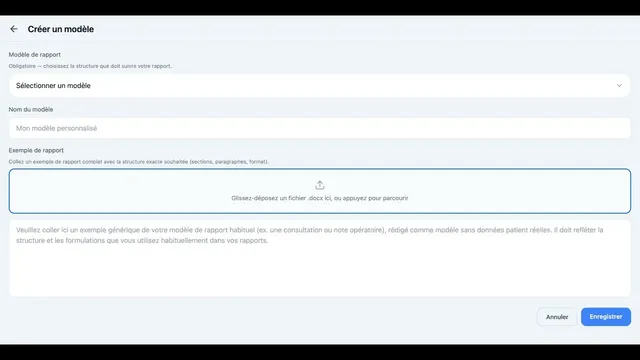
Build report templates that keep your own writing style: pre-filled operative reports from a Word file, or specialist consultations with your section order. Video in French.
A two-minute walkthrough of the DocNote app: create a consultation, record or dictate, add context, generate the report and share it. Video in French.
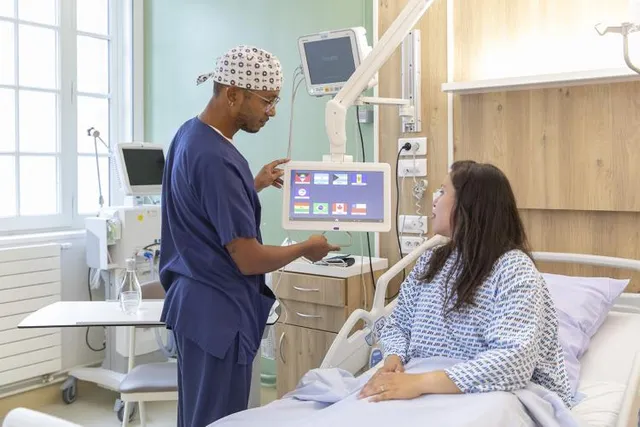
A new qualitative study published in JAMA Network Open explored how frontline physicians perceive the use of ambient artificial intelligence (AI) scribes.