DocNote x Sokle: send your report straight into the patient file (video)
Connect DocNote to the Sokle EHR, send a generated report to the right patient, and find it in the consultation without copy-paste. Video in French with English subtitles.
 Dr. Alice Gilson·Doctor & Managing Director 2 min read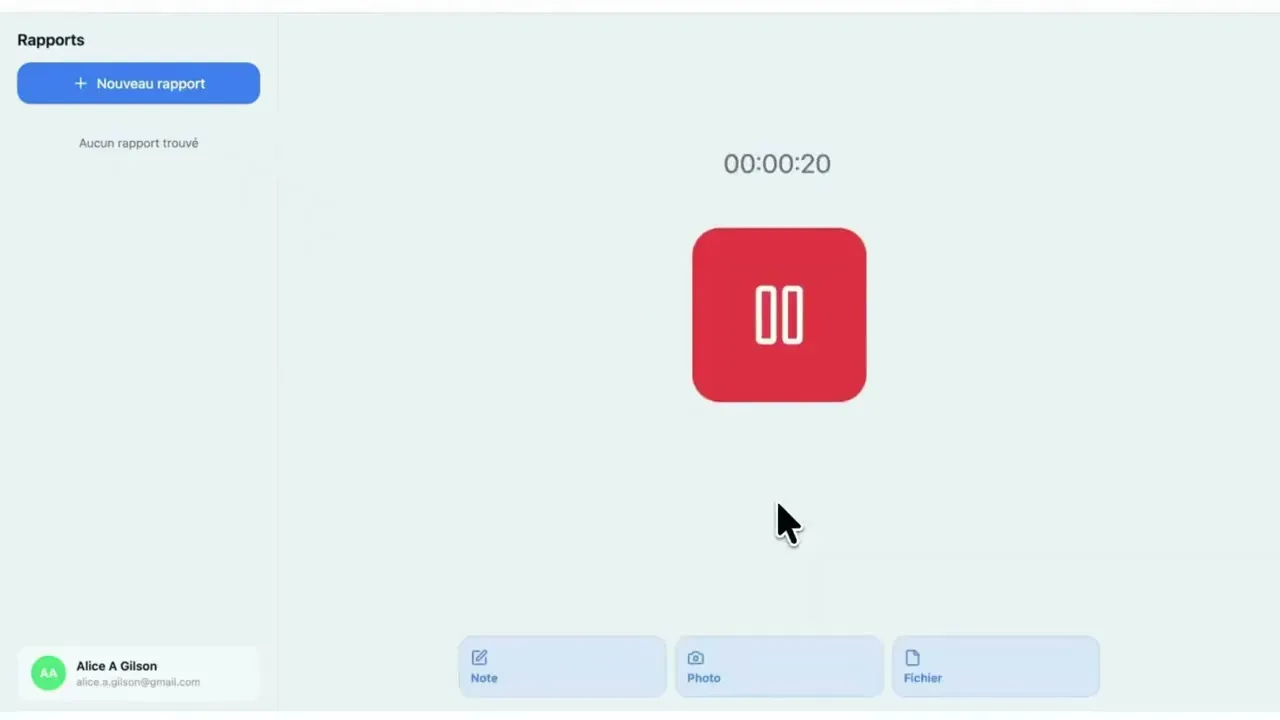
If your practice runs on Sokle, you can use DocNote without ever copying and pasting. The report generated in DocNote lands directly in the right patient file, in the right consultation, and your working habits stay the same. This short video shows the whole flow. Here is the written version.
1. Activate the connection
Go to the settings, in the bottom right of the screen. In the electronic patient record section, indicate that you work with Sokle, then click “Request connection with Sokle”.
That request is sent automatically to our team, who carry out the steps needed to activate the link between your DocNote account and your Sokle instance. Once the activation is done on our side, press “Check activation” and your Sokle account is connected.
2. Generate a report as usual
Nothing changes in the way you use DocNote: create a new consultation, record or dictate, add context if needed, and generate the report.
3. Send the report to the patient file
When the report is ready, press “Share report” and choose “Patient file”. Type the first letters of the patient’s name: a list of matching patients from Sokle appears. Select the right one and the report is sent.
4. Find it in Sokle
In Sokle, open the consultation. In the top right corner you will see a small microphone icon with a gear. It gives access to the reports sent from DocNote.
Open the one you just sent: the content is already structured and split into the consultation’s paragraphs. If you want to bring everything in at once, click the button in the top right, “Copy all sections into the current consultation”, then validate the consultation.
Why it matters
The value of an AI scribe is lost if you spend the saved minutes moving text between windows. With the Sokle integration, the report goes from recording to patient file in three clicks, and it remains fully editable in Sokle before you validate it.
Sokle is one of several EHR integrations available with DocNote. If you use Axenita, EDL Xplore or Mediway, we have a dedicated tutorial for each.
Related articles
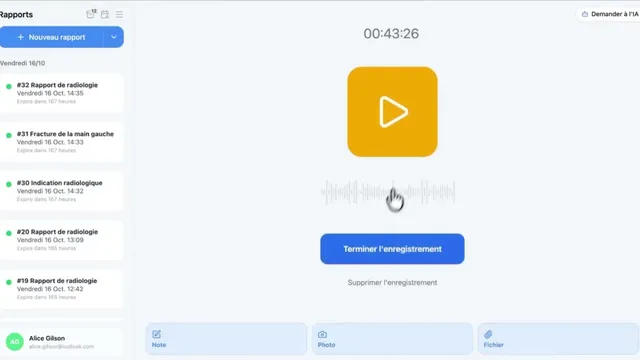
Using DocNote from Axenita: request the connection and send reports to the patient file (video)
Request the Axenita connection from DocNote settings, open DocNote from the patient file, generate your report and add it to the consultation in Axenita. Video in French.
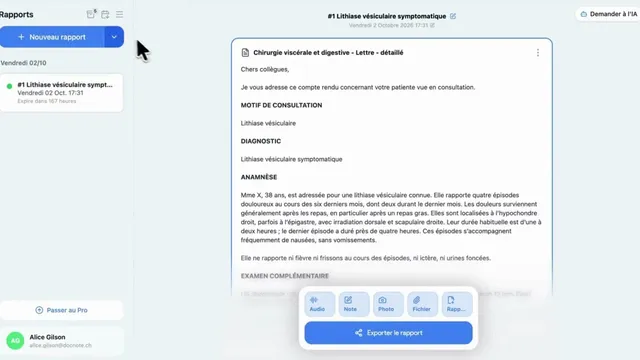
DocNote for medical secretaries: review reports and prepare consultations (video)
One secretary account for several doctors: review and send reports, schedule appointments straight from the day's agenda and prepare patient files. Video in French.
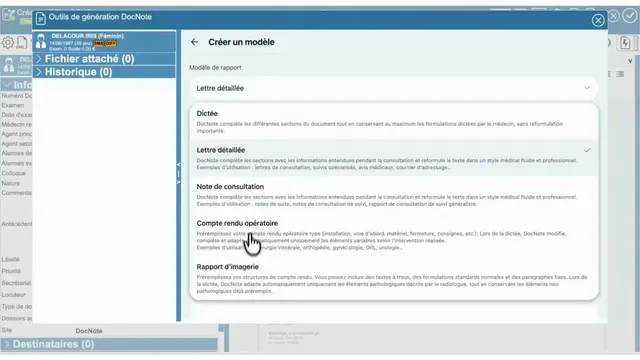
Using DocNote from EDL Xplore for radiology reports (video)
Open DocNote from the EDL Xplore RIS, dictate only what differs from your normal template, and get the full structured radiology report back in EDL. Video in French.